
Introduction
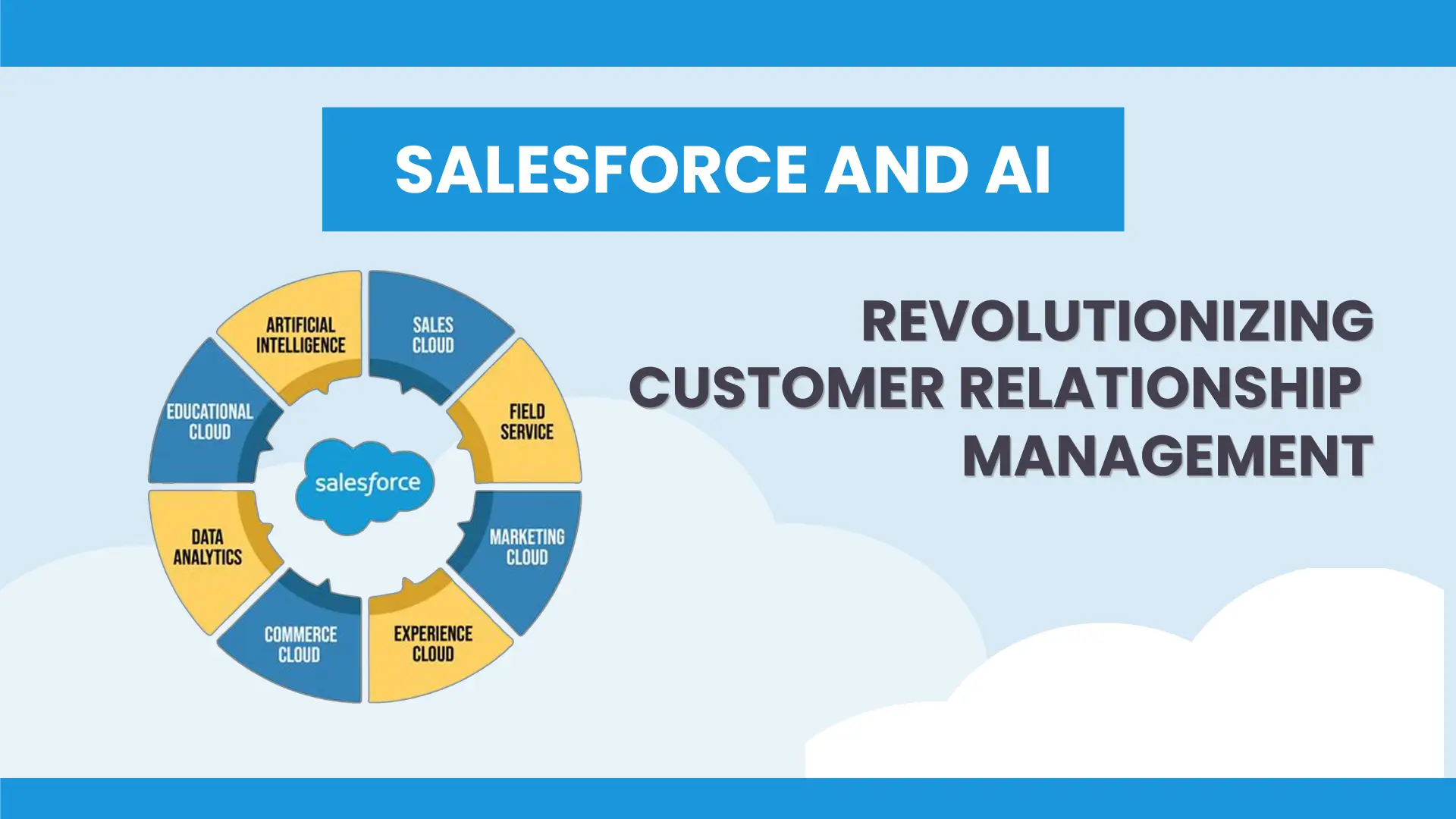
As businesses and educational institutions increasingly embrace digital learning, ensuring that Learning Management Systems (LMS) remain adaptable and efficient is critical. One of the most impactful upgrades is integrating AI-powered analytics with Salesforce CRM to create automated workflows. This seamless connection not only streamlines operations but also enhances learner engagement, reporting, and overall efficiency.
Imagine a corporate training team struggling with manually tracking employee progress across different departments. By integrating AI and CRM with their LMS, they automate user enrollment, personalize learning paths, and track real-time progress, significantly improving training efficiency. This guide explores why and how to integrate AI analytics and Salesforce CRM with your LMS to future-proof your learning platform.
Why Integrate AI Analytics and Salesforce CRM with Your LMS?
Benefits of AI-Powered LMS Analytics
AI-powered analytics revolutionize LMS functionality by providing actionable insights that help organizations optimize learning experiences. Here’s how:
- Personalized Learning Paths – AI analyzes user behavior and performance to suggest customized courses.
- Automated Performance Tracking – Get real-time insights into learner engagement and progress.
- Predictive Analytics – Identify at-risk learners early and provide proactive support to improve retention rates.
For example, a university using AI-powered LMS analytics discovered that students who completed interactive quizzes performed 20% better in final exams. By leveraging AI recommendations, they encouraged more quiz participation, boosting overall academic performance.
Advantages of Syncing Salesforce CRM with a Custom LMS
Integrating Salesforce CRM with a custom LMS creates a seamless data flow, improving training management across various domains:
- Seamless Data Flow – Automate user enrollment, tracking, and reporting between CRM and LMS.
- Improved Customer & Employee Training – Ensure consistent and scalable training across teams.
- Enhanced Sales & Marketing Efforts – Align learning data with customer insights to improve engagement.
A tech company onboarding new employees faced challenges in tracking their training progress. By integrating Salesforce CRM with their LMS, HR and management could monitor learning completion rates directly within the CRM, improving onboarding efficiency by 30%.
Key Features of LMS and CRM Integration
| Feature | Benefit |
|---|---|
| Automated User Enrollment | Sync user data between LMS and Salesforce to streamline onboarding. |
| Progress Tracking & Reporting | Monitor learner milestones directly inside the CRM dashboard. |
| AI-Powered Course Recommendations | Suggest courses tailored to individual learning behaviors. |
| Certification Management | Automatically issue certificates upon course completion. |
| LMS ERP Integration Services | Connect LMS with other enterprise tools for improved efficiency. |
Steps to Integrate Salesforce CRM with a Custom LMS
1. Assess Integration Needs
Before implementing integration, define what workflows need automation. Ask yourself:
- What manual processes slow down learning management?
- Which teams need access to LMS data within Salesforce?
- How will AI enhance the learning experience?
2. Choose the Right Integration Method
There are multiple ways to connect Salesforce CRM with an LMS:
- APIs (Application Programming Interfaces): Direct integration for real-time data exchange.
- Middleware: A third-party tool to bridge systems without deep customization.
- Native Connectors: Pre-built integrations available in some LMS platforms.
3. Leverage AI for Smart Insights
AI-driven analytics help refine training strategies by:
- Recommending content based on user progress.
- Identifying skill gaps and adjusting learning paths.
- Automating learner feedback and engagement tracking.
4. Ensure Data Security & Compliance
Protecting user data should be a top priority. Implement:
- End-to-end encryption for data transfers.
- Compliance measures for GDPR, HIPAA, or industry-specific regulations.
- Role-based access controls to prevent unauthorized data access.
5. Test & Optimize
Run pilot integrations before full deployment to:
- Identify potential bugs and inefficiencies.
- Gather user feedback for refinements.
- Ensure seamless operation across departments.
Case Study: AI & CRM Integration for a Global Enterprise
A multinational company struggled with fragmented training processes across regions. They integrated Salesforce CRM with a custom LMS and leveraged AI-driven course recommendations. Within six months:
- Employee training completion rates increased by 45%.
- Managers accessed real-time training insights in Salesforce, reducing manual tracking efforts.
- AI-powered adaptive learning paths helped reduce employee onboarding time by 35%.

Conclusion
Integrating AI analytics and syncing Salesforce CRM with a custom LMS is a game-changer for organizations looking to automate workflows, enhance learning experiences, and improve operational efficiency. By leveraging LMS ERP integration services, businesses can future-proof their LMS, ensuring a scalable, data-driven, and intelligent learning ecosystem.
Call to Action
Are you ready to enhance your LMS with AI and CRM integration? Our team specializes in seamless LMS ERP integration services, AI-powered analytics, and Salesforce CRM sync solutions. Contact us today to future-proof your learning management system!